Free guide · games
Make a game with AI: the 12 games we made, and how
This page is a free guide to making browser games with AI coding agents. It shows the 12 games we have made so far, which you can play on your phone right now, the tools and the order we use them in, and step-by-step guides for building your own.
Published · Updated
Can AI make a game for you?
Yes, and how depends on the size of the game. For a small one-screen game, one prompt in Claude Code is enough: our phone game guide makes one in five minutes. For a 3D game with levels or online play, no single prompt does it. We write a brief, let Claude split it into small tickets, and give the tickets to a coding agent one at a time, with tests after each. That is how we made Capybara Kart in 16 hours.
What you can make
Everything below runs in a phone's browser from a link: one-thumb arcade games, block and traffic puzzles, 3D runners and racers, and online games where you play friends through a room code. Nothing to install: a link opens the game. What AI does not do for you is decide what is fun. You still play every build and say what feels wrong.
The 12 games we made
Tap Play to try one. Some are still test builds we keep improving.
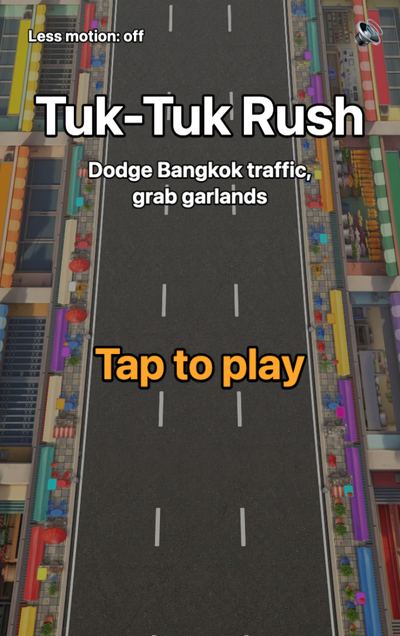
Tuk-Tuk Rush
Weave a tuk-tuk through Bangkok traffic and grab marigold garlands. One thumb.
PlayHow we made it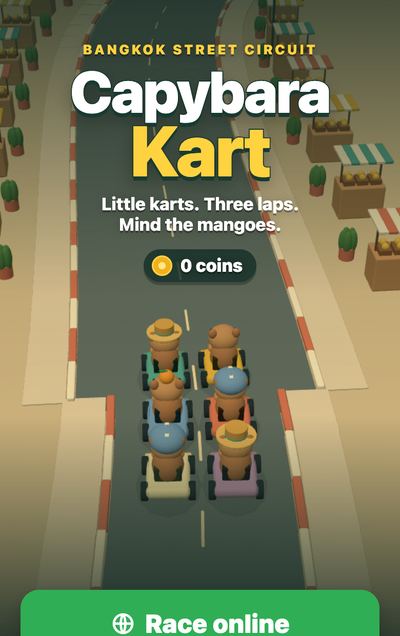
Capybara Kart
Capybaras race small karts through Bangkok, with drifts, mangoes and online races.
PlayHow we made it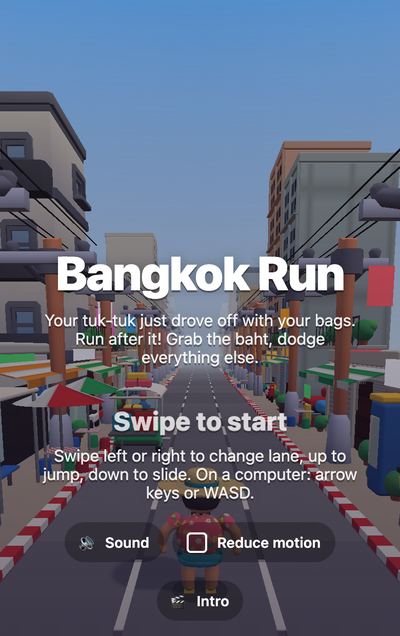
Bangkok Run
Chase the tuk-tuk that took your bags through five Bangkok streets. Swipe to dodge.
PlayGuide coming soon
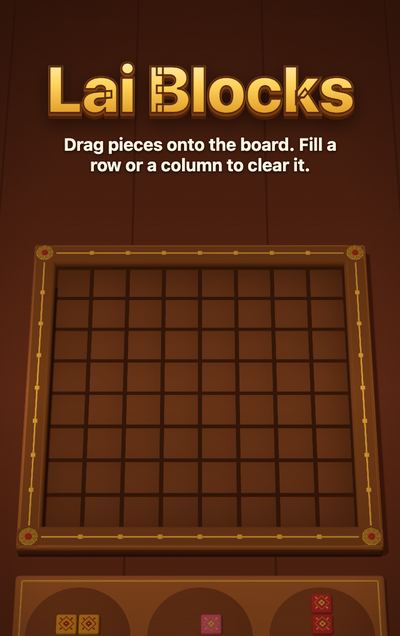
Lai Blocks
Place carved tiles on a wooden board. Fill a row or a column to clear it.
PlayGuide coming soon
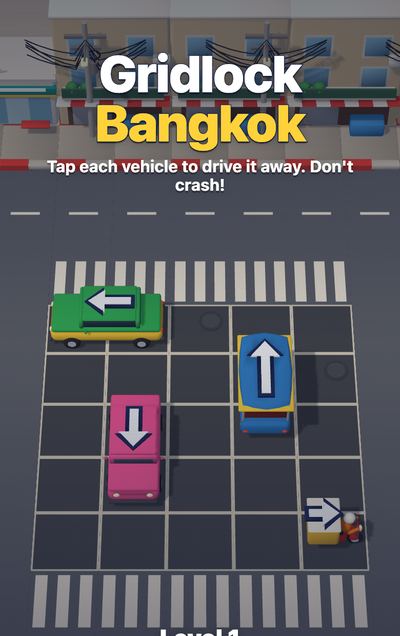

Hide in Paint
Paint your figure to match the market, then stay still while the seekers look.
PlayGuide coming soon

Capybara Hot Spring
Give a capybara a yuzu and build a warm spring, on your own or with friends.
PlayGuide coming soon
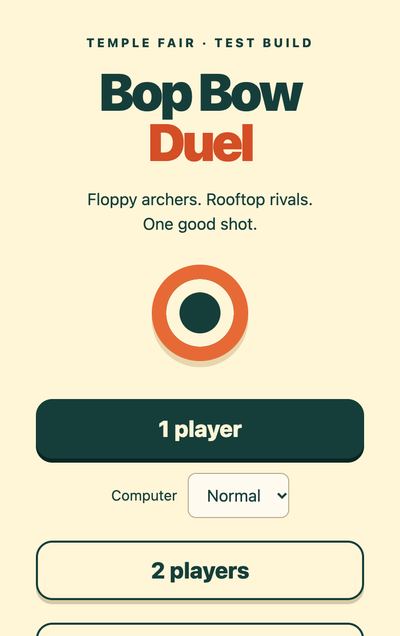
Bop Bow Duel
A wobbly rooftop archery duel against the computer or a friend's phone.
PlayGuide coming soon
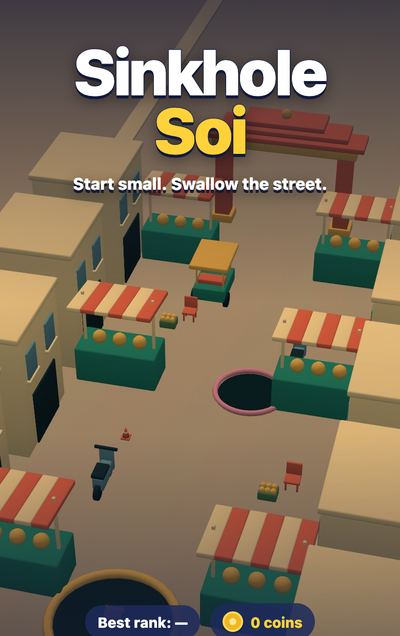
Sinkhole Soi
Grow your hole in a Bangkok market and swallow more of the street than three rivals.
PlayGuide coming soon
How we build them
Every game starts as a one-page brief: the game in a few lines, the controls, the art style, and numbers for "done", such as how big the download may be and how smooth it must run on a mid-range phone. Then five tools, in this order:
Claude Code with Claude Opus plans the game. It turns our brief into a plan and a list of small tickets, each with the files to make, the numbers to hit and the tests that prove it is done.
OpenAI Codex coding agents build it, one ticket at a time. Each ticket becomes one pull request that has to pass the tests before the next one starts.
Claude Opus 5.5 and Fable 5.1 improve the look and feel once it plays: the menus, the driving, the camera, the sounds, the fixes after we play it ourselves.
Blender makes the 3D models, from Python scripts with no clicking, so an agent can change the art the way it changes code.
three.js runs the game in the phone's browser. No app store, no install: a link opens it.
Bots play every build on emulated phones and report crashes, lap times and frame rates. Then a person plays it. The bots missed both bugs Jay found when he played Capybara Kart: the steering was reversed and the race position was wrong.
Start here
Both guides start with free steps. Each also has a kit with our finished files. Every kit is $29 with the bundle, as of November 2026. See all kits and prices.
One email a week
Get the next how-to first.
Start with our free prompts. Then get one short AI email a week, with our newest how-to.