Pro guide · from the Reel
Make a studio-look animated explainer with Claude Code from one prompt
One prompt and a 20-line brief get you a narrated explainer with colour fields, drawn app screens with their text and buttons in place, grain, camera moves and transitions that carry from scene to scene. Claude Code writes the script, records the voice with ElevenLabs first, times every scene to the words, checks its own frames, renders and sets the loudness for social video. HyperFrames (Apache-2.0) turns the HTML into video on your computer, so the render costs nothing. The voice uses ElevenLabs credits: 1,766 for our six scenes, with two takes each and one scene made again. The Claude work is billed like any other Claude Code use; we used a paid Claude plan.
- One prompt
- 1080p, 38 s
- ElevenLabs voice
Published · Updated
See what you get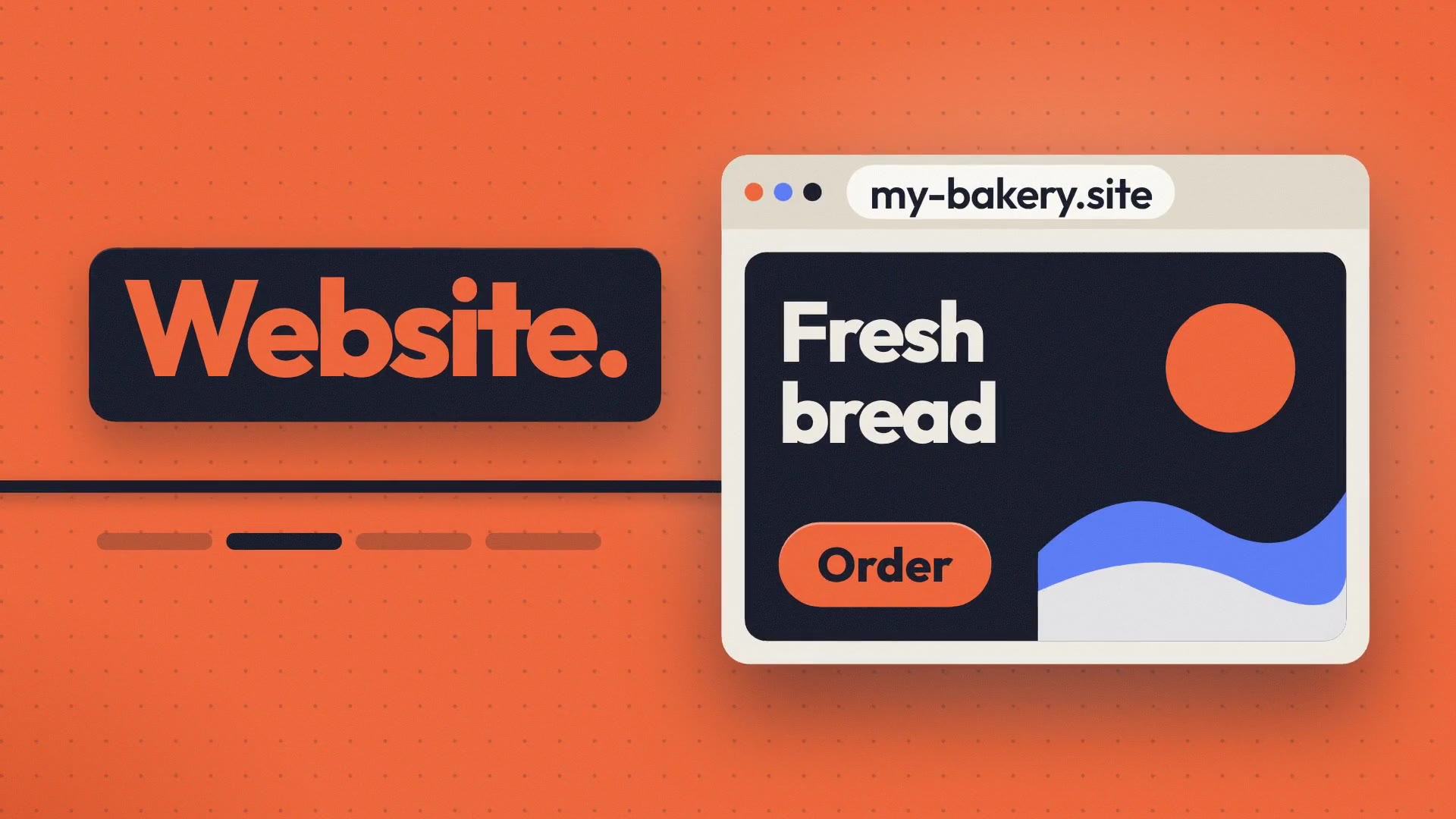
Get everything for $12.
One payment opens the whole guide and the kit. No subscription. Price as of October 2026; free for the first 150 readers.
- The explainer prompt as a fill-in template, with the Look rules that make each frame a designed poster (prompts/explainer-prompt.md)
- A brief template for your facts, palette and voice, plus our filled-in example
- voice.py: makes each scene's ElevenLabs voice, two takes, keeps the one that checks out
- The same flow as a Claude skill file (SKILL.md), setup included
- A scene checklist to review your render before you send notes
- Our demo project: 6 scene files, script, voice files, ready to render
- README with every step and LICENSES.md
Access terms as of October 2026.
You're one of the first 150. Open this guide free with your email.
Lost your link?
Enter the email you used for access. Your existing links keep working.
Watch it (1080p, 38 s, with sound):
The demo explains our own guides, using only the five facts in the brief in step 3.
What's in the kit
- The prompt template (
prompts/explainer-prompt.md): the one big prompt, with five lines to fill in. Its Look section asks for colour fields, filled screens, grain and a camera move in every scene. - The brief template: the facts Claude may use, what not to say, five colours, the voice. Our filled-in example is next to it.
voice.py: makes one scene's voice with ElevenLabs. It asks for two takes, checks both and keeps the better one, then prints where the speech ends and when each word starts.- The
/explainerskill file: the same flow as a Claude skill, with setup included. - The scene checklist: what to look and listen for in the render, so each problem becomes a one-line note.
- Our demo project: 6 scene files, script and voice files. Render it as it is, or study how a scene is built.
- README and LICENSES.md.
How people do this, and what we changed
The Claude Code explainer tutorials we found use Remotion or HyperFrames: open Claude Code in a video project and describe the video. Two reports shaped our prompt. Kiln made their launch video in Claude Code and built the visuals before recording the voice, so the beats landed wrong. A post on r/ClaudeAI, "claude code wrote every line of our 50s launch video in remotion. it took ~100 prompts, not 1", shows how many rounds of notes a "one prompt" video can hide. So our prompt makes the voice first and times each scene from it, and step 6 shows every note we sent for the demo.
Our first version, made with the prompt before it had a Look section, got the timing right but drew thin outlines on an empty dark ground. The Look section asks for specific things instead: five colour roles with two accents, three layers in every frame, screens drawn with their content, at least one paper scene and one full colour field, type at 110 to 200 px, a camera move in every scene, and transitions caused by something on screen. Step 5 of the prompt then has Claude reject its own frames that are mostly empty or show an empty outline.
We used HyperFrames rather than Remotion because Remotion needs a paid company licence for for-profit companies with more than 3 people, and HyperFrames is Apache-2.0.
What you need
- Claude Code, with a Claude subscription or API billing. We used a paid plan and Claude Opus 5.5.
- Node.js 22 or newer (we had v22.23.4) and FFmpeg (we had 6.1.1).
- Python 3 for
voice.py(we had 3.12.3). - An ElevenLabs account and API key. The free plan (10,000 credits a month) covers tests; for a product or client video, make the voice on a paid plan (Starter is $6 a month for 30,000 credits, checked 31 October 2026), because ElevenLabs' terms of use allow free accounts non-commercial use only.
- Internet for setup. The first render downloads a headless Chrome (261 MB on our server). Whisper "small", which lets
voice.pycheck each take word for word, is 464 MB and optional.
To check what you have, run node --version, ffmpeg -version and python3 --version in a terminal. No HeyGen account is needed. Claude Code still sends your prompt, brief and the files it reads to Claude, as it always does, and voice.py sends each voice line to ElevenLabs.
The steps
Step 1: Make the project
In the folder where you keep projects:
npx -y hyperframes@0.8.221 init leverage-explainer --non-interactive
It makes a blank 1920x1080 project and copies the HyperFrames skills for Claude into your skills folder (on our server, ~/.agents/skills). We pinned 0.8.221 so you get what we got; leave the @0.8.221 off to get the latest.
Step 2: Set up the voice
In the pro guide
Step 3: Write the brief
In the pro guide
Step 4: Open Claude Code and paste the prompt
In the pro guide
Step 5: Watch it like a viewer
In the pro guide
Step 6: Send short notes
In the pro guide
Step 7: Use the skill instead of pasting
optional
In the pro guide
Questions people ask
Do I need to know HTML or animation?
No. Claude wrote all 2,623 lines of our demo project; we later added a short retime call to each scene for the new voice. You fill in a brief with your facts and colours, paste the prompt, watch the render and send notes in plain words.
What does the voice cost, and can I use it for a client?
The voice comes from ElevenLabs, at 1 credit per character. Our six scenes used 1,766 credits: two takes each, plus a second pair for one scene. The free plan (10,000 credits a month) is fine for tests, but ElevenLabs' terms of use (updated 9 October 2026) allow free accounts non-commercial use only. For a product or client video, make the voice while you're on a paid plan; on 31 October 2026 the pricing page listed "Commercial License" from Starter ($6 a month, 30,000 credits) up.
Is it really one prompt?
On a fresh project with our brief, the prompt alone made a finished 35-second video in 16 minutes 21 seconds of Claude work, voice included, with no notes from us. Step 4 describes that run and has its video, re-voiced with Fiona's voice. The demo at the top is different: an earlier version of this prompt on our first project, a redraw note, two short layout notes, then the ElevenLabs voice. Step 6 shows each note.
Will my video look like yours?
The prompt asks for the same things every time: colour fields, filled screens, grain, a camera move in each scene, in your brief's colours. Claude picks a new storyline and new drawings for each brief, so layouts differ, and you may still want to send a note or two, as we did in step 6.
Can I add music?
Yes, but not in this flow. HyperFrames' music options need a HeyGen sign-in or a local music model, and its own skill advises against writing music in code. If you have a track you're allowed to use, put it in assets/ and ask Claude to add it under the voice.
Does it work on Windows?
The commands in this guide are for macOS and Linux, and we tested on Linux. HyperFrames and Claude Code also run on Windows, but the shell commands (export, cp, the venv path) differ there and we haven't written or tested a Windows version.
One email a week
Get the next how-to first.
Start with our free prompts. Then get one short AI email a week, with our newest how-to.